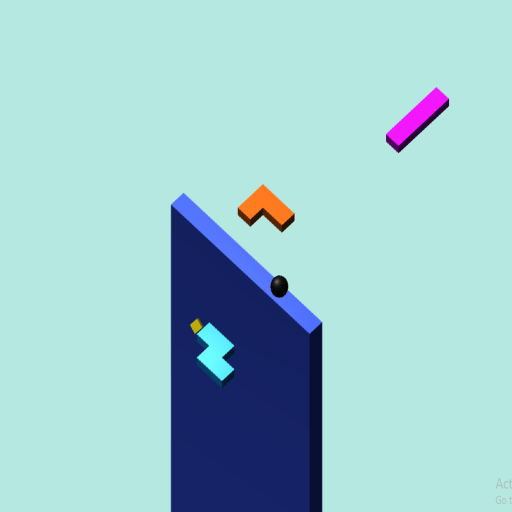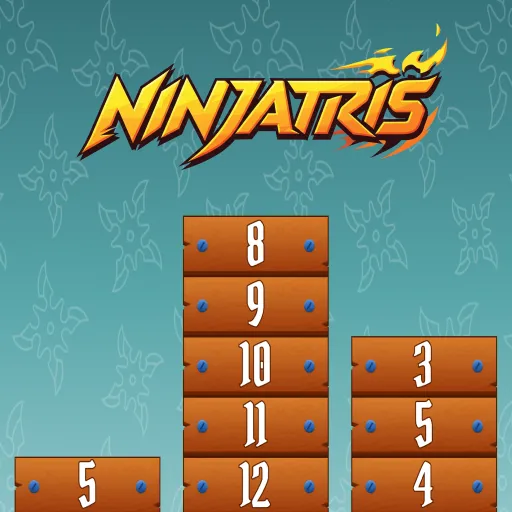
Ninja Tris is a free-to-play puzzle game available on Gamepeg. Merge matching number blocks and plan smart moves to score higher. Enjoy smooth HTML5 gameplay directly in your browser — no downloads, no installations, and no sign-up required. Ninja Tris works perfectly on desktop, tablet, and mobile devices including Chrome, Safari, Firefox, and Edge.
Whether you're looking for a quick gaming break or a longer session, Ninja Tris delivers engaging puzzle gameplay that's easy to pick up but challenging to master. Compete for high scores, challenge your friends, and climb the Gamepeg leaderboard. All games on Gamepeg are 100% free with no hidden fees or in-app purchases.
Looking for more puzzle games? Browse our full collection of free puzzle games and discover your next favorite title on Gamepeg.
How to Play Ninja Tris
Look at the Current block and the Next block preview.
Move the current block left or right to position it.
Drop the block onto the board.
Merge matching numbered blocks to create higher numbers.
Keep merging to score more points and clear space.
Avoid filling the board completely.
Play fast — the timer is always running!
Controls
Keyboard
⬅️ Left Arrow – Move block left
➡️ Right Arrow – Move block right
⬇️ Down Arrow – Drop block faster
Mouse:-
Right click - click the row with mouse where you want to get that tris
Features
Addictive number-merging puzzle gameplay
Current and Next block strategy system
Fast-paced gameplay with timer challenge
Smooth controls and responsive movement
Score and Best score tracking
Brain-training and strategic thinking game
Quick and engaging sessions
Instant play — no download, no login
Works on desktop and mobile
Suitable for all age groups
Tip
Always check the Next block before placing.
Merge smaller numbers early to create space.
Keep similar numbers close for easy merging.
Don’t rush — smart placement beats random moves.
Try to create chain merges for higher scores.
FAQ
1. Is Ninja Tris free to play?
Yes, it is completely free on Gamepeg.
2. Do I need to download or sign up?
No, you can play instantly in your browser without download or login.
3. How do I merge blocks?
Place matching numbered blocks together to merge into a higher number.
4. What is the “Next” block?
It shows the upcoming block so you can plan your move.
5. What happens if the board fills up?
If no space is left, the game ends.
6. Can I play on mobile?
Yes, Ninja Tris works smoothly on both desktop and mobile devices.
7. Is this game hard to learn?
No, it’s easy to learn but becomes challenging as speed and numbers increase.
Comments